

Seven situations from maths lessons
Each example briefly shows how you handle a typical situation with Mazio Maths and what the children see, from a new topic to a misconception in the class.
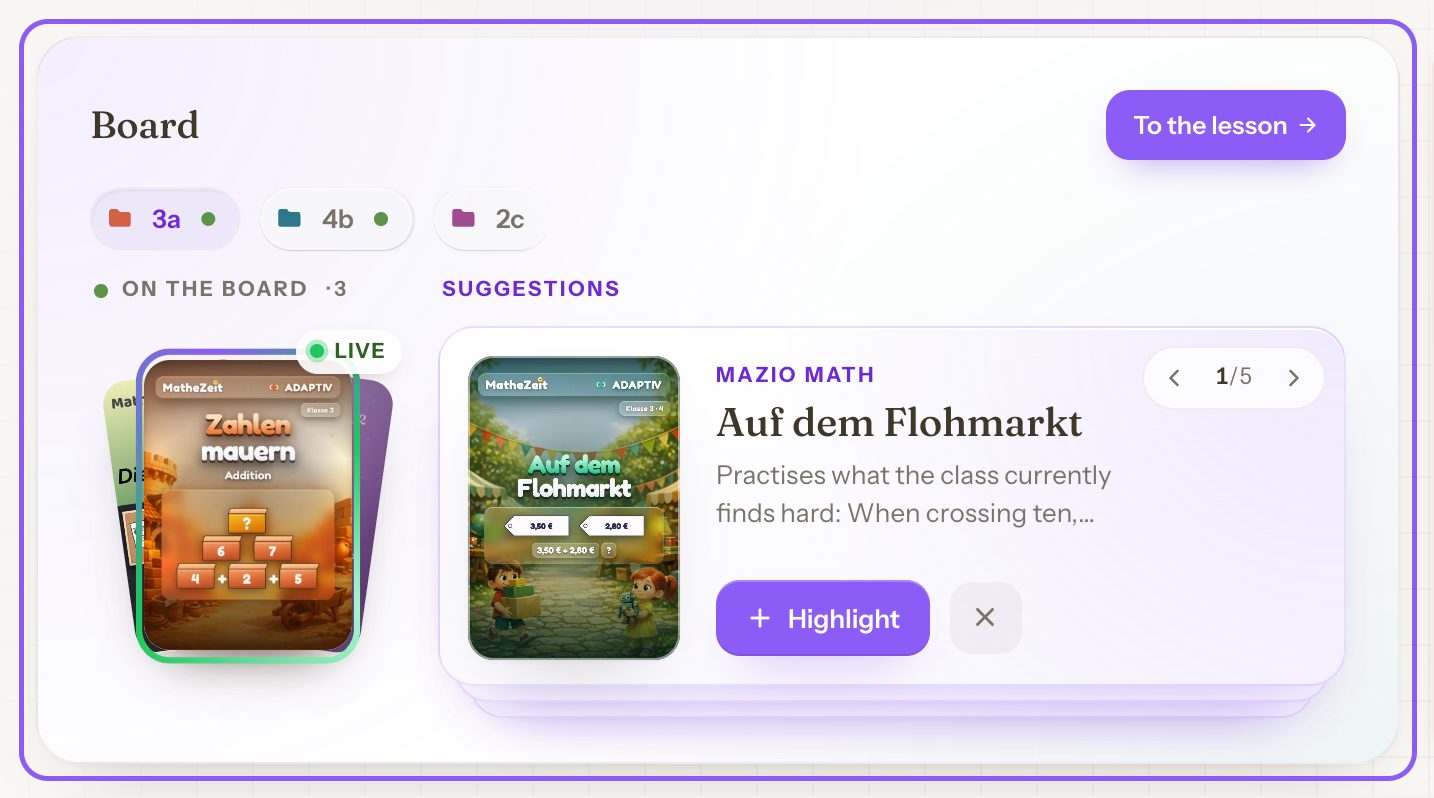
Starting a new topic with a unit
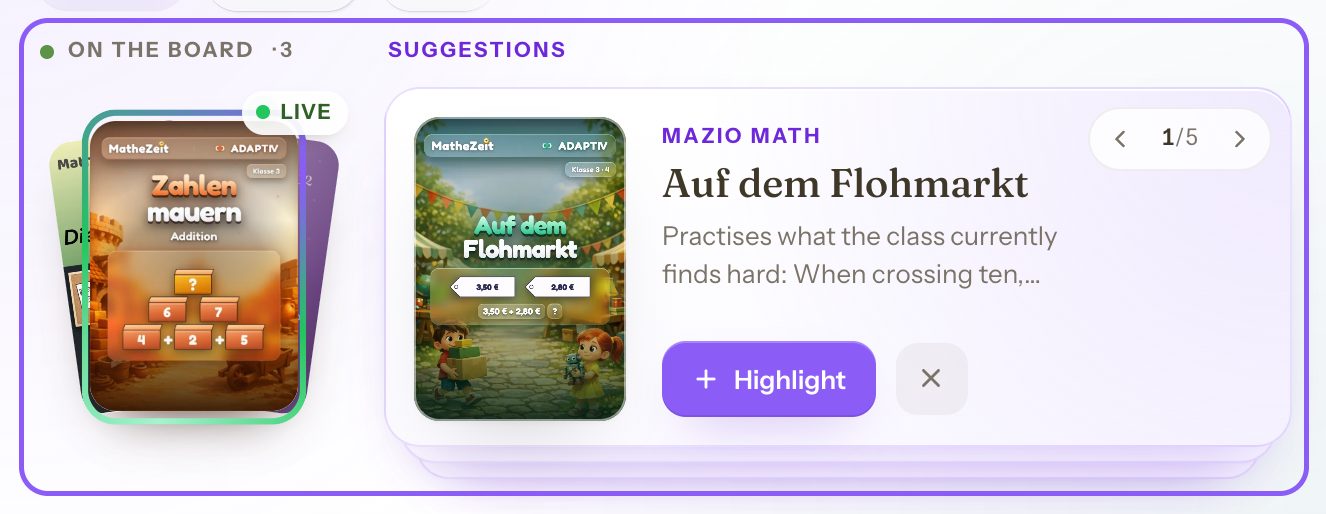
Everyone should first work on the same unit and then continue freely. You place the unit on the board with the plus, and the children see it straight away. Below it you get suitable suggestions for what comes next.
- New content sits at the top as compulsory. While it is open, the other areas stay closed for the children.
- With a note you add a sentence, such as “Afterwards you can go to the Knobelbox.”
- Each row shows how many children have finished.
All the children get an iPad, we briefly discuss today’s topic and any information they need, and then the children log in and work. First the unit I have pinned, and after that they can play the Knobelbox and duels.
Previewing a unit and preparing a cover lesson
Tapping a card on the shelf opens the details. With “Open & play” you see the unit the way a child sees it, and you can open individual levels directly. What you do there does not count as a result.
For a cover lesson, you place the unit on the board and set when it becomes visible. Some units begin with an explanation, such as “What is symmetry?”, and can carry a lesson even without an introduction.
Taking a ready-made lesson idea from the collection
A lesson idea contains a goal, a sequence of phases and the matching material, from ten minutes up to a double lesson. On the shelf under “Collection” you filter by grade and duration. “Everything on the board” places all the material on the board at once.
Starting the day with a puzzle set
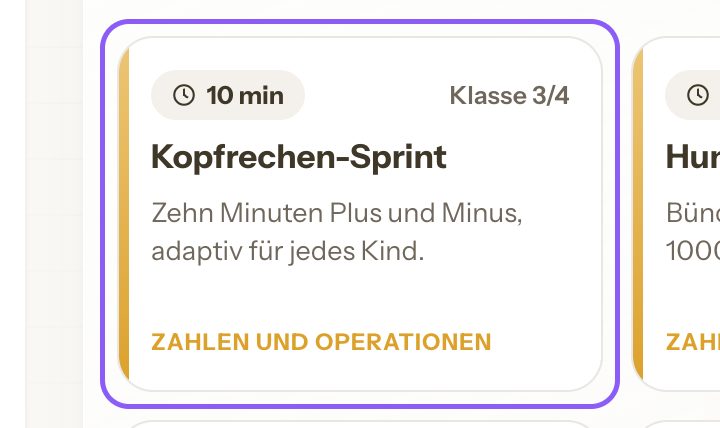
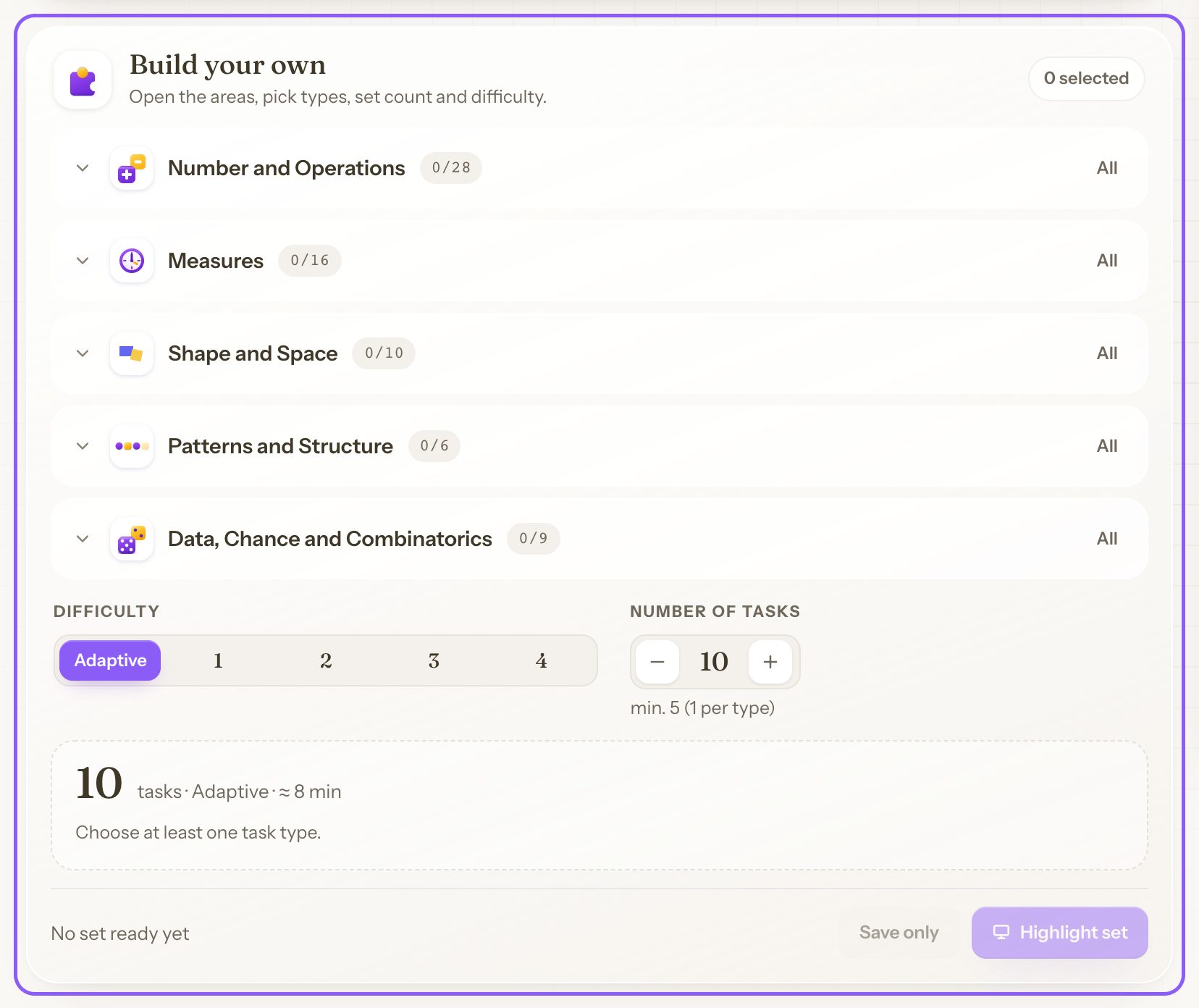
A puzzle set is a collection of short Knobelbox tasks that challenge children to think. The “Start of the day” template fills it with five tasks, or you choose task types from the five content areas yourself. With “Adaptive”, the difficulty adjusts to each child.
“Highlight set” places the set on the board, “Save only” keeps it for later.
A practice phase in the Basiscamp
A calculation method has been introduced and now needs to become secure, such as bridging ten or written methods. The Basiscamp builds calculation skills step by step and remembers for each child what is already secure.
The plus on a card on the shelf places a whole world on the board. Under “Results” you see for each area how many tasks were correct at the first attempt.
We teach mixed-age classes. I often use Mazio Maths when I want to explain something to one group (third or fourth grade); the other group then works on related topics that I highlight. They work so quietly and with such concentration.
Seeing what the children are working on right now
The class is working independently, and you want to join in where it helps. Under “Live” you start the lesson for your class and see what each child is working on. With a tap you watch a child at work.
While you are watching, the child sees an orange frame and knows about it. The live view is only available in a lesson that has been started, and the school leadership can have it switched off for the school.
Addressing a misconception in the class
Once a week, Mazio Maths checks whether a misconception is showing up in the class, such as “The carry is forgotten when bridging ten”. A flag only appears when at least three children are affected, only in classes of ten or more children, and without names.
The support card explains the error in thinking with an example and suggests steps for teaching. “Matching content for the board” shows related units and puzzle sets. You decide whether to act on the flag.
Try the board with your class
Registration is free for teachers. You can look at the shelf, lesson ideas and units straight away. The children can start once your school has concluded the data protection agreement with us online. This is currently possible for schools in Germany.
- 1Create an account
- 2Create a class
- 3Print access cards